
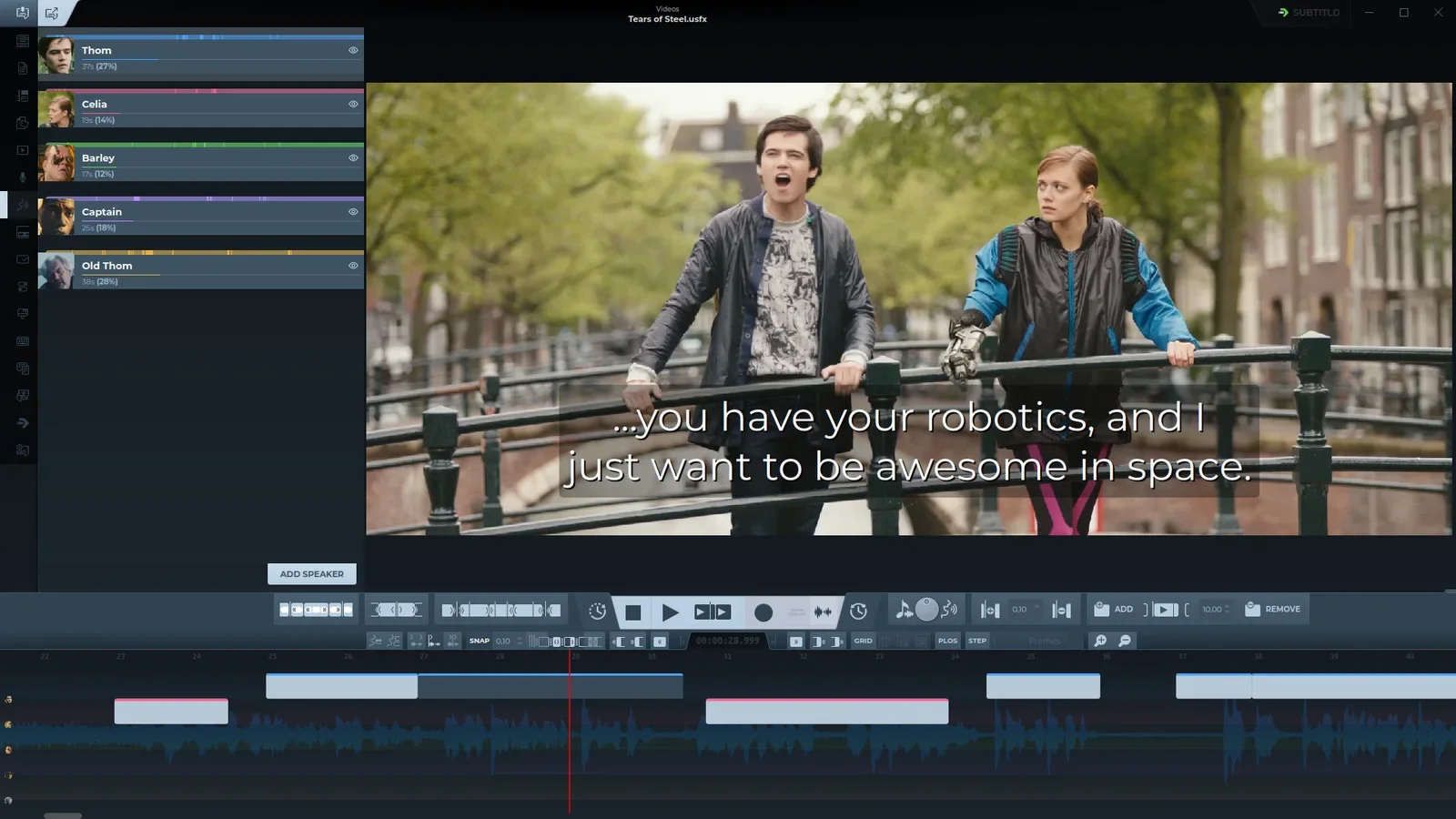
Highlights
Dubbing
Speak every subtitle with a synthetic voice, one per speaker, fitted to each subtitle's duration. Voices that clone take their sample from the video. Export the mix, a track per speaker, the clips, or the background alone.
Record mode
Speak into the microphone and watch it become subtitles. Each phrase turns into a real subtitle at once, and its text fills in a moment later.
Add-ons
Speech recognition, translation, voices and audio separation install from Settings › Add-ons, each with its own models. Many run fully offline.
subtitld.cc
A panel to find, open, rate and publish subtitles on the community hub. A new subtitle is in the editor as soon as it is published.
Before you upgrade
- whisper.cpp is no longer built in. Install the whisper.cpp add-on to keep transcribing offline.
- The built-in Google translation engine is gone. The Offline translation add-on replaces it, with no API key.
- AssemblyAI moved from built in to a cloud add-on.
- JSON is saved in Whisper's format, or as Bilibili's BCC. Opening a JSON file reads what other tools write.
New
- DubbingSynthetic voices per speaker, a recorded voice as an alternative, and "Fit dub to subtitle duration" kept per speaker in the project.
- AudioAn effects mixer with EQ, compressor and gate per track, and an input monitor for recording.
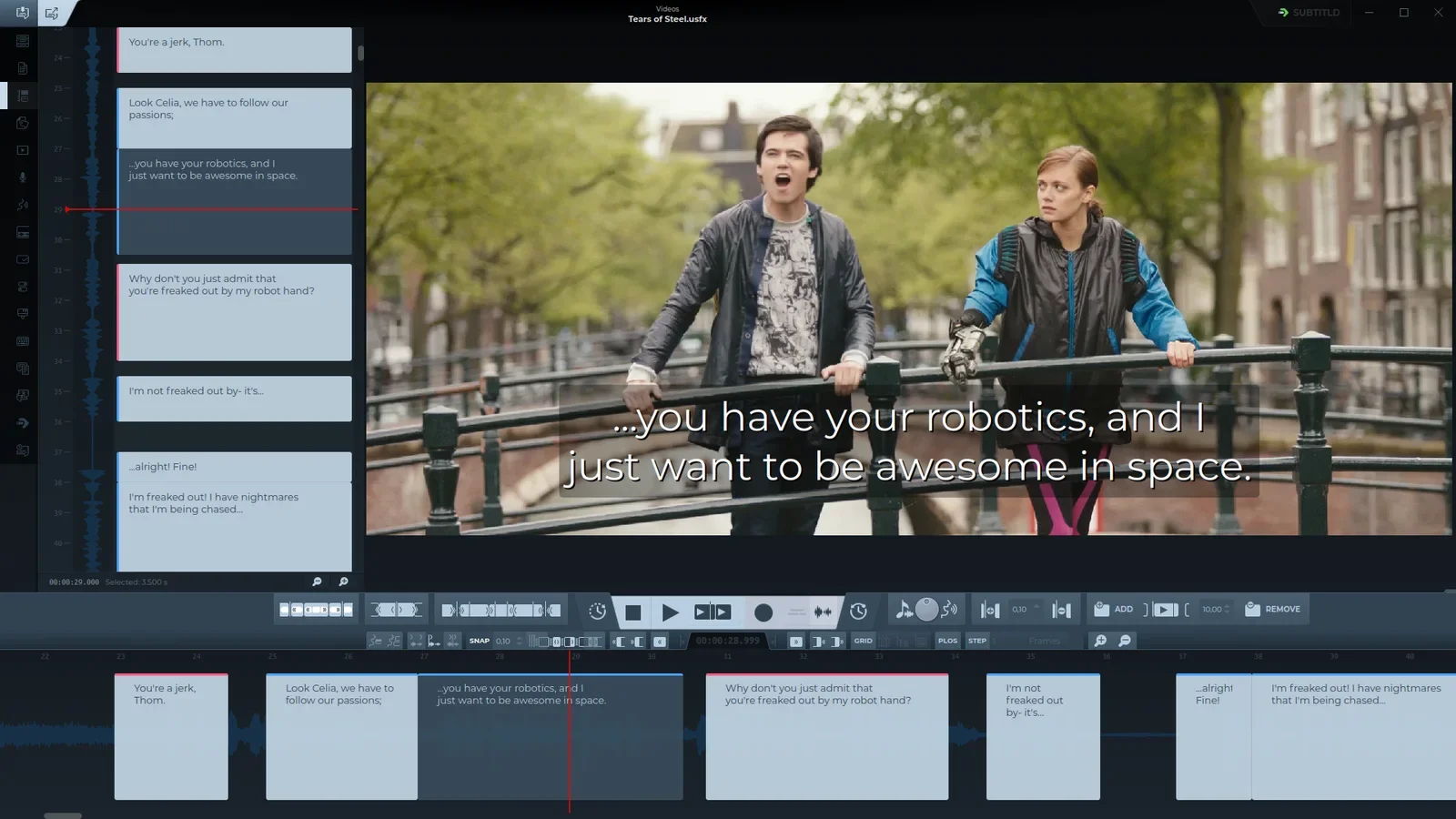
- TimelineA lane per speaker, and the vertical timeline as a left-panel tab.
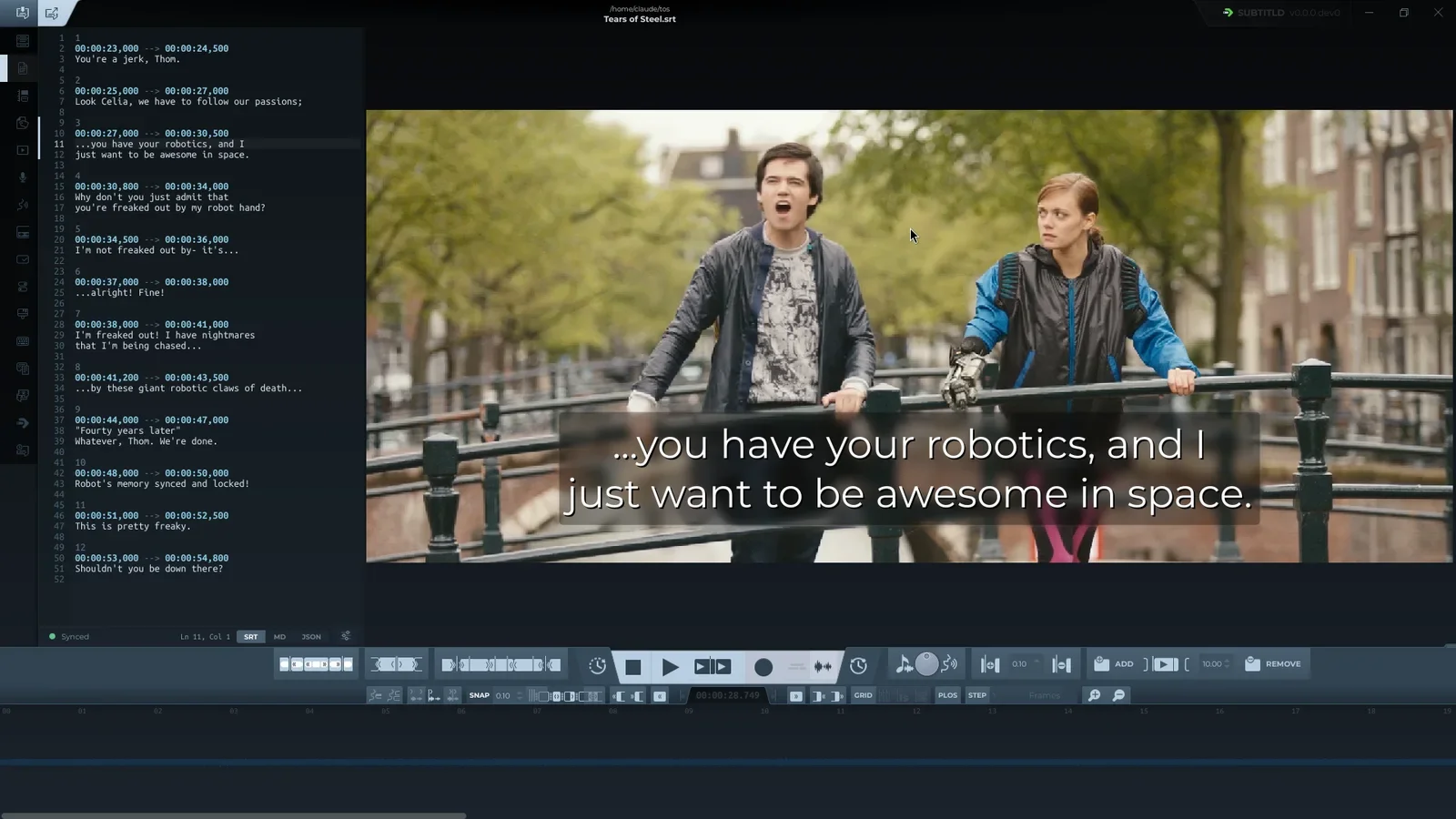
- Plain textEdit the subtitles as SRT, Markdown or JSON; the text follows the selection, with font and colour theme on one row.
- subtitld.ccFind, open, rate, publish and delete subtitles, with the client bundled and an update notice.
- LanguagesFifteen more interface languages, seventeen in all. The system's language by default, or one picked in the settings.
- VideoVideo properties with Source and Proxy tabs; 4K and 8K videos get a lighter proxy to edit with.
- Projects.usfx files have an icon of their own and a preview: a card with the frame where the project was left, its subtitle and the timeline there. Double-clicked in a file manager, a project opens in Subtitld.
- IconA new icon and logo.
Formats
Subtitld now reads and writes every format itself.
- NewEBU STL, MacCaption (MCC), CEA-708, YouTube's timed text (srv3) and Bilibili's BCC.
- JSONOpens what speech-to-text tools and services write: Whisper, WhisperX, Deepgram, AWS, Rev, Google, Azure, Speechmatics and more, split into subtitles where the speaker changes and where speech pauses.
- From the videoIts closed captions (CEA-608 and CEA-708) and its own subtitle tracks.
- RewrittenSRT, WebVTT, ASS and SSA, TTML and DFXP, SAMI, SCC, SBV, MicroDVD and USF: read as other tools write them, written as players show them.
Improved
- Playback: picture and sound in sync, timed from the sound device itself (through WASAPI on Windows).
- Undo: a whole drag, or a held nudge key, is one step.
- Subtitle edges: the glued neighbour follows, frames snap, and 0.0 counts as a time.
- Speakers: face detection on current MediaPipe, through the Tasks API; seek from a speaker's strip.
- Find & Replace steps both ways from the cursor.
- Autosave keeps backups grouped by day.
- Keyboard shortcuts panel: a command list and a capture area.
- Transcription, translation and dubbing share one footer, and check what they need before they start.
- Selecting a subtitle in the list no longer starts editing it.
Fixed
- The timeline follows the playhead again while playing.
- The timeline's empty-state label no longer crashes the paint.
- Audio starts without an output device instead of aborting.
- The Add-ons panel finishes its catalog fetch and installs on quit.
- Translation retries errors instead of storing the error page as text.
Packaging
| System | What changed |
|---|---|
| macOS | New: the app for Apple Silicon in a .dmg. It is not signed: the first time, allow it in System Settings › Privacy & Security. |
| Haiku | A native application with its icon, and .usfx a file type of its own; HaikuPorts recipes built and started in a Haiku VM. |
| Windows | A Modern UI installer, for you or for everyone, in two languages, with its own icons; also an MSIX package and a portable .zip. Project previews show in Explorer. |
| Snap | From 650 MB to 424 MB, by leaving out what the app never uses. |
| Flatpak | Back on Flathub, with the KDE runtime and PySide 6.11, every Python dependency, and store screenshots. |
| AppImage | Uses the bundled PortAudio when the system has none. |
| AUR | Complete dependencies, built the way an Arch user would, and project previews in the file manager. |
| PyPI | Published with each release, as a wheel and a source archive. |
Removed
- The built-in whisper.cpp, Google translation and AssemblyAI engines, now add-ons.
- The pycaption, deep-translator, translate, psutil and autohex dependencies.